
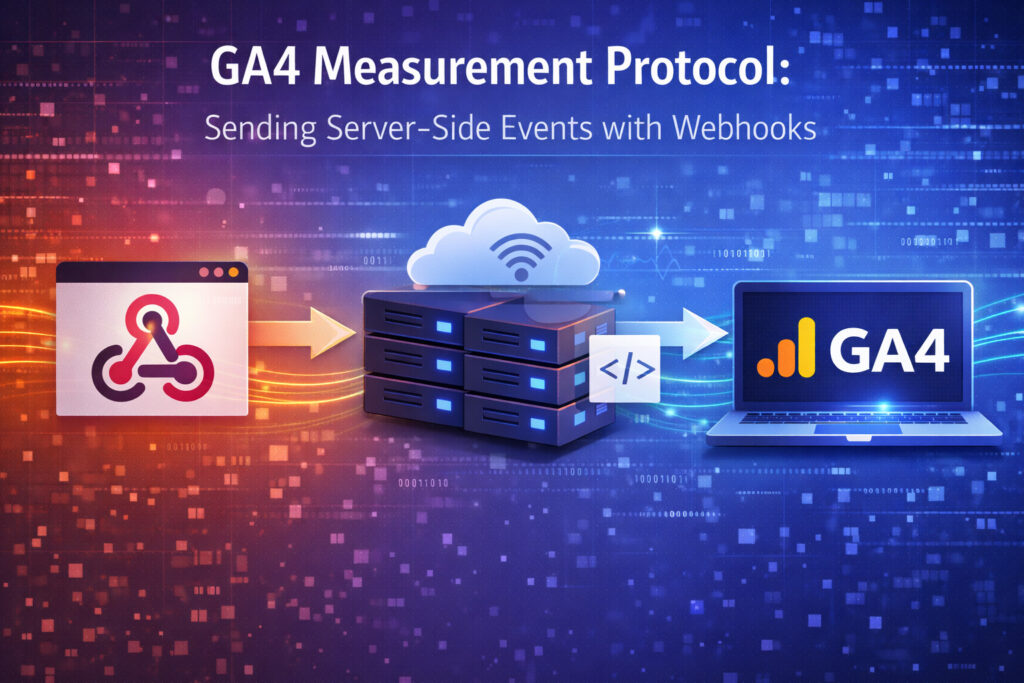
Have you ever wondered how to see refunds in GA4 or how to add (dis)qualified leads to GA4? This is where the GA4 Measurement Protocol really shines. The GA4 Measurement Protocol is one of the most powerful features of Google Analytics 4. It allows you to send events directly to GA4 from your CRM or backend systems, without relying on a browser. When combined with server-side tagging, it unlocks reliable tracking for critical business events such as lead statuses, subscriptions, and refunds.
In this blog, we’ll explain what the GA4 Measurement Protocol is, why it matters, and how you can use server-side tagging and webhooks to send these events to GA4 — giving you full visibility into your funnel, from first interaction to real revenue.
What is the GA4 Measurement Protocol and what are webhooks?
The GA4 Measurement Protocol lets you send important business events to Google Analytics directly from your CRM or backend. Instead of relying on traditional website tracking, these events are sent securely from a server.
This means you can track actions that don’t happen on your website — like lead qualification, closed deals, or refunds — and still see them clearly in GA4. This makes the Measurement Protocol useful for events such as:
- Backend or CRM events like subscriptions or lead status updates
- Actions that happen long after someone first visited your site
- Offline sales
- Refunds and revenue corrections
Webhooks are often what make this possible. A webhook is an automatic message sent from one system to another when something happens, for example when a lead is qualified or a refund is created. That message can then be used to send the event to GA4 via the Measurement Protocol.
Why does it matter?
By using the GA4 Measurement Protocol together with server-side tagging, you can send lead lifecycle events and revenue updates directly from your backend into GA4. This allows you to measure true performance: real ROAS after refunds, campaigns with high spend but low-quality leads, and channels that actually drive revenue.
This matters because decisions depend on trustworthy numbers. When marketing performance is measured only through website activity, it creates a gap between reported results and actual business outcomes. By connecting backend systems to GA4, you create a single, reliable view of performance across marketing, sales, and revenue. This enables better budget allocation, clearer accountability, and more confident decisions at both the team and board level.
Enter Server-Side Tagging & Webhooks
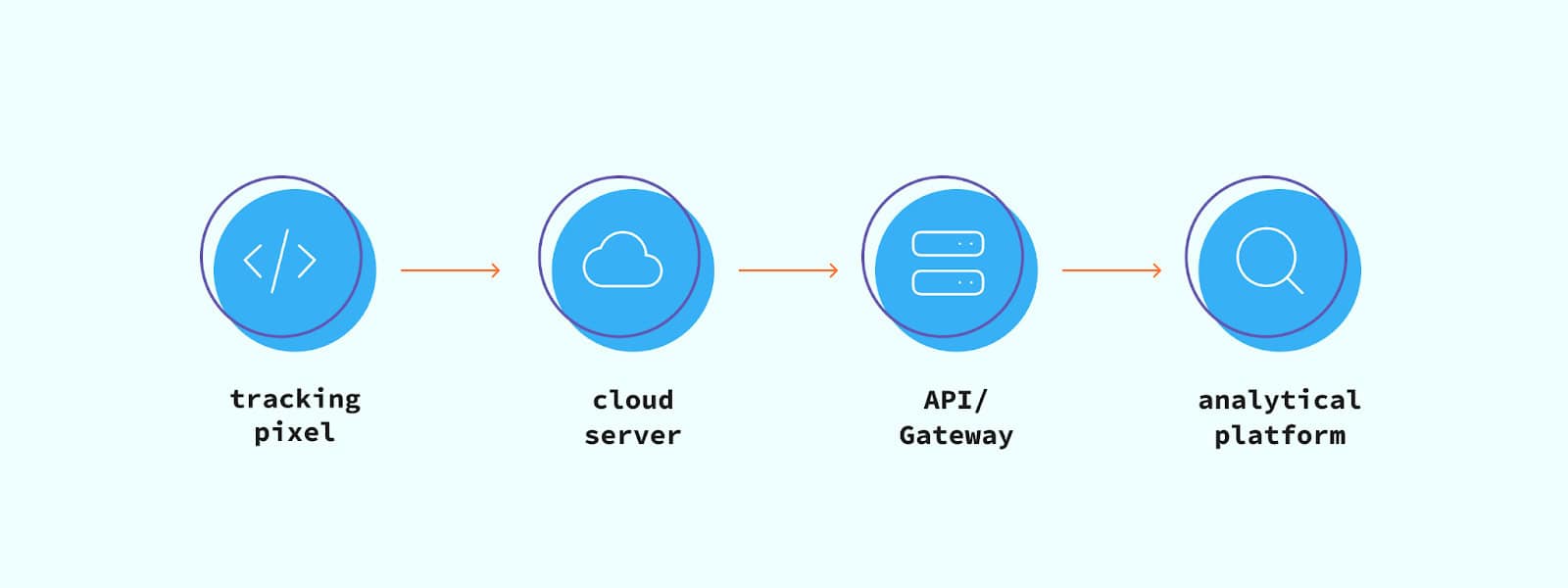
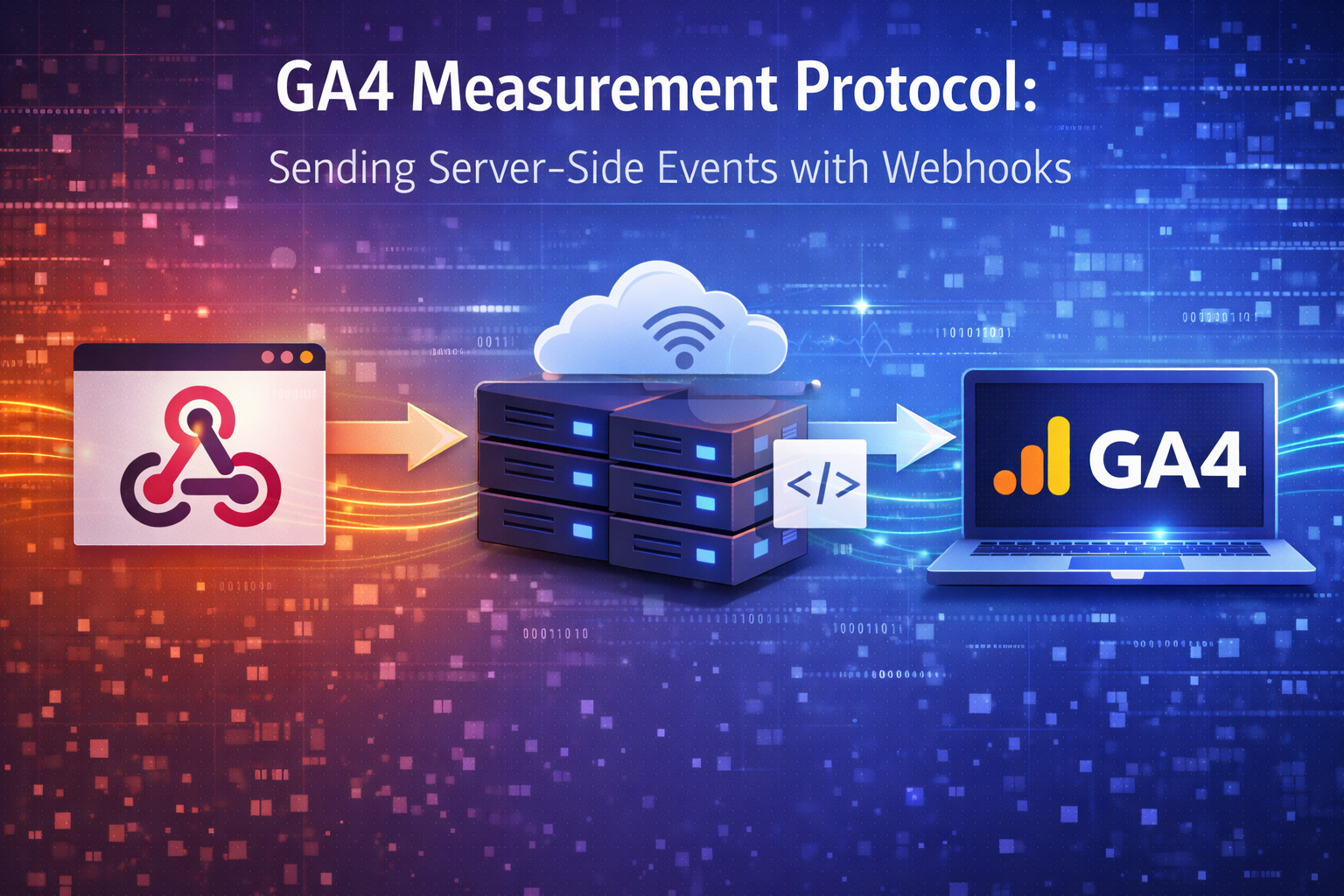
With server-side Google Tag Manager (sGTM), you can receive webhooks from your backend systems and turn them into events in GA4 using the Measurement Protocol.
A typical setup looks like this:
- A lead status changes in your CRM (for example, HubSpot)
- The CRM sends a webhook to your server-side GTM container
- The server-side container translates that data into a GA4 event, such as quality_lead
- The event is then sent to GA4 via the Measurement Protocol
For example, in HubSpot you can use webhooks in workflows to send data to external systems when something changes, such as a lead update. When you make a webhook, you can alter the request body and include custom parameters such as GA4 Session ID (ga_session_id) and Client ID (cid). These values are needed so GA4 can link website activity to events that happen later in your CRM. These fields can be stored in Hubspot through a hidden field.
Along with these IDs, you can send additional information through the webhook, such as lead status or lead value. The webhook is sent to a dedicated endpoint — often your server-side tagging URL if you’re using a solution like TAGGRS or Stape. A webhook can look like this:
http://sst.yourdomain.nl/webhooksIn your server-side Google Tag Manager container, a Client is then used to receive the webhook, process the data, and forward the event to GA4 via the Measurement Protocol.

Final thoughts
GA4 doesn’t have to stop at website conversions. By using the Measurement Protocol together with server-side tagging and webhooks, you can bring real business signals — like lead quality, closed deals, and refunds — into GA4.
If you need any help, please let us know!




 Nederlands
  English